A record of everything you make
Made by you.Remembered.
Photograph your crafts as you make them. Stitchio keeps the whole story, then shows it back to you over time, so you can watch yourself get better. And with a circle, you make it together.
Why Stitchio
Your camera roll is full of half-finished things. Stitchio turns them into a story you can scroll back through, so you can answer the question every maker quietly asks:
“Am I actually getting anywhere?”
How it works
A name and a photo is plenty. Made something ages ago? Add it. The record starts wherever you did.
Take photos along the way, not just at the end. The messy middle is the good part.
Finishing gets a proper moment. And the ones that didn't work out can rest on the shelf, honestly.
A year later, Stitchio shows you what you made, and your first try next to your latest.
Circles
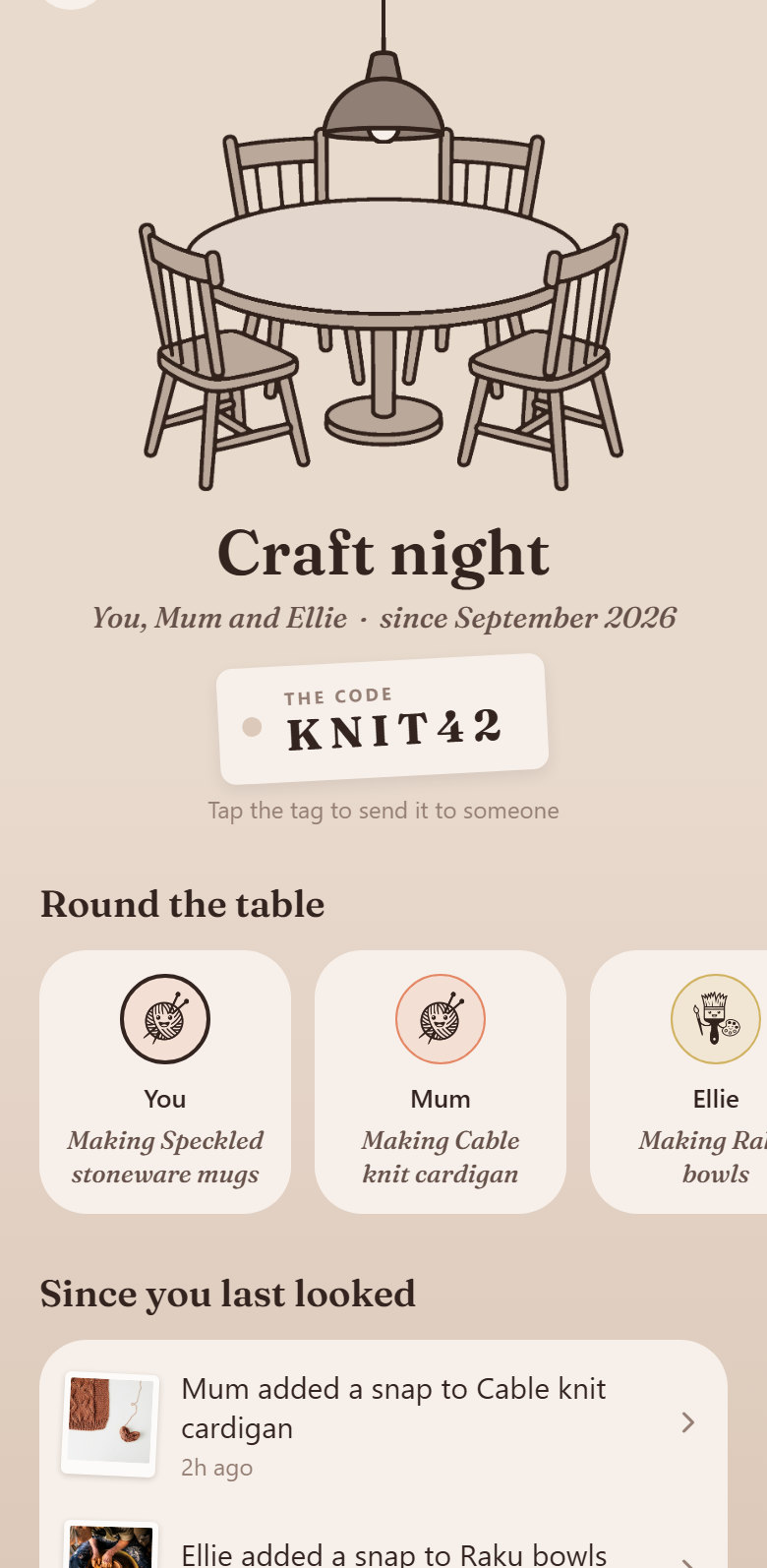
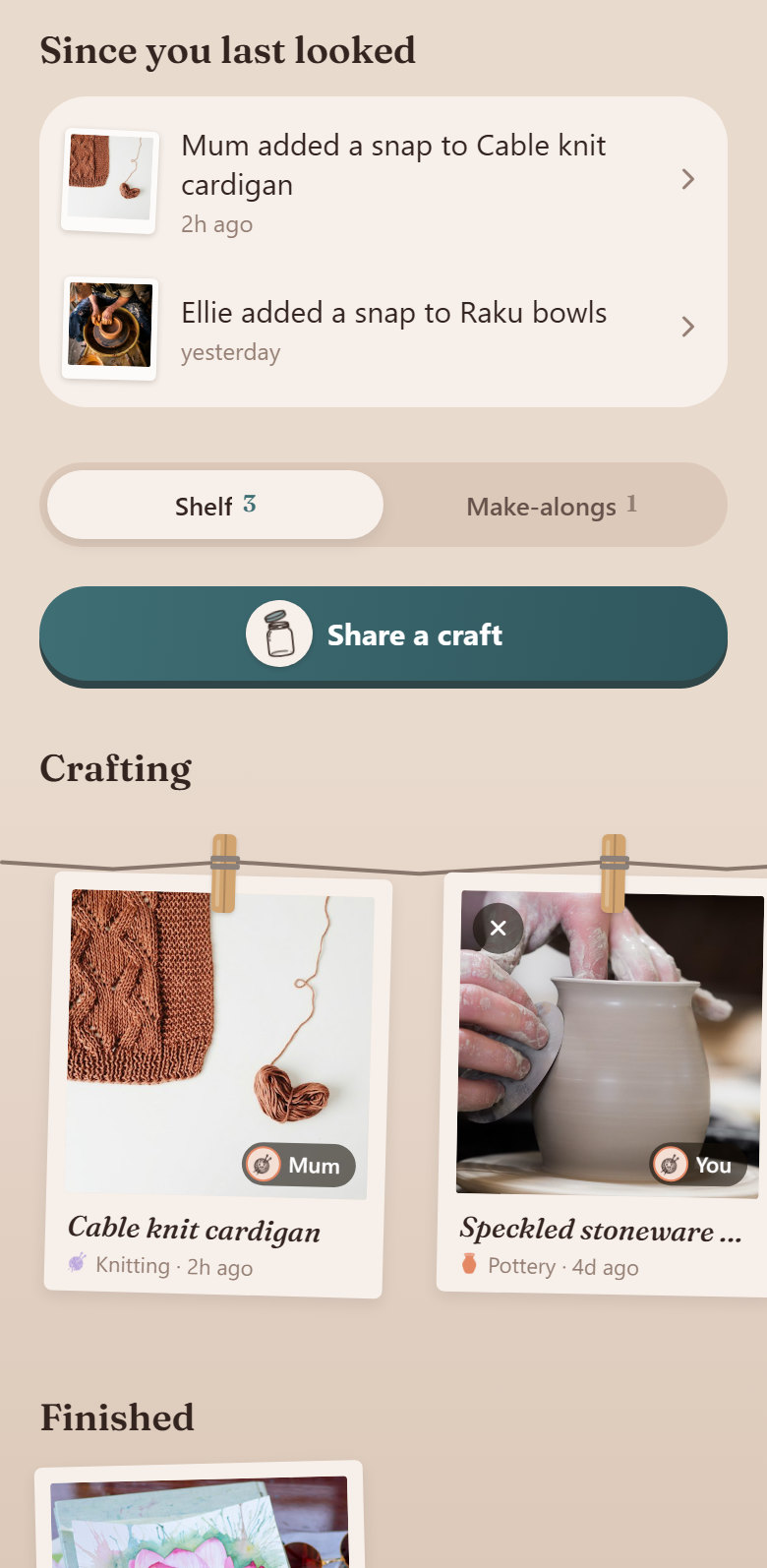
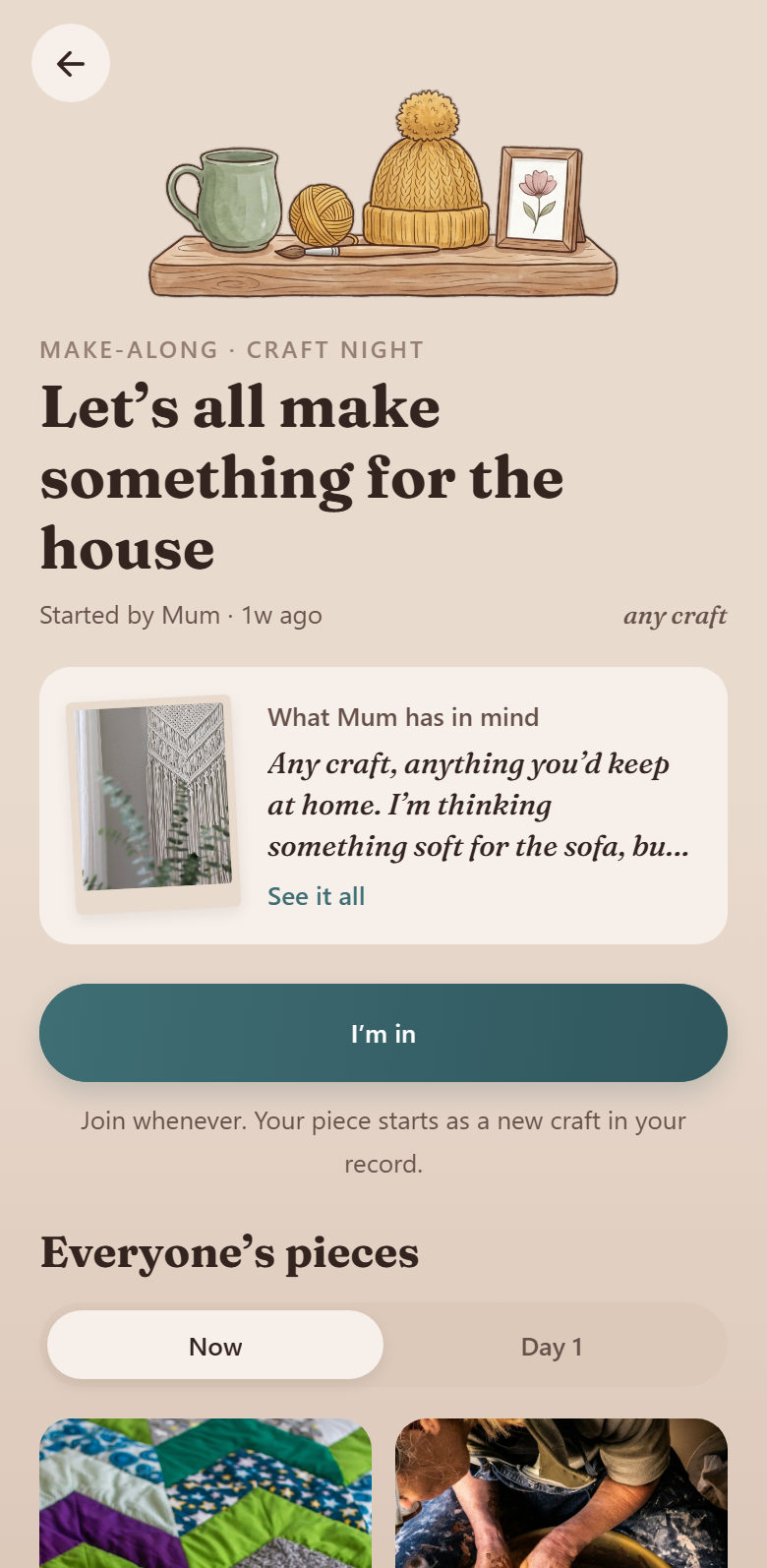
Start a circle with the few people you craft with: your knitting group, your mum, your Thursday craft night. Show each other what you're making, and make the same thing side by side. No public feed, no followers, no strangers.
Six letters, sent in a message. No account, ever.
A friend's new snap turns up while the circle is open.
Friends see the photos and what went into a craft, never your private notes.
Starting a circle is Pro. Joining one is always free.
Starting a craft
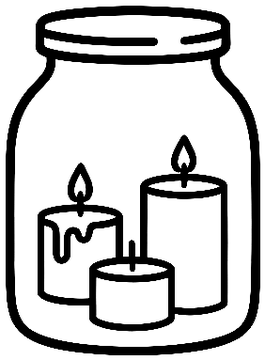
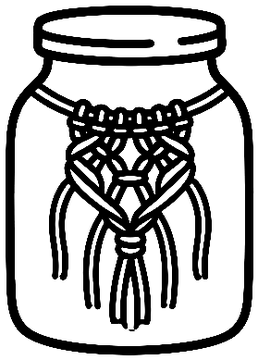
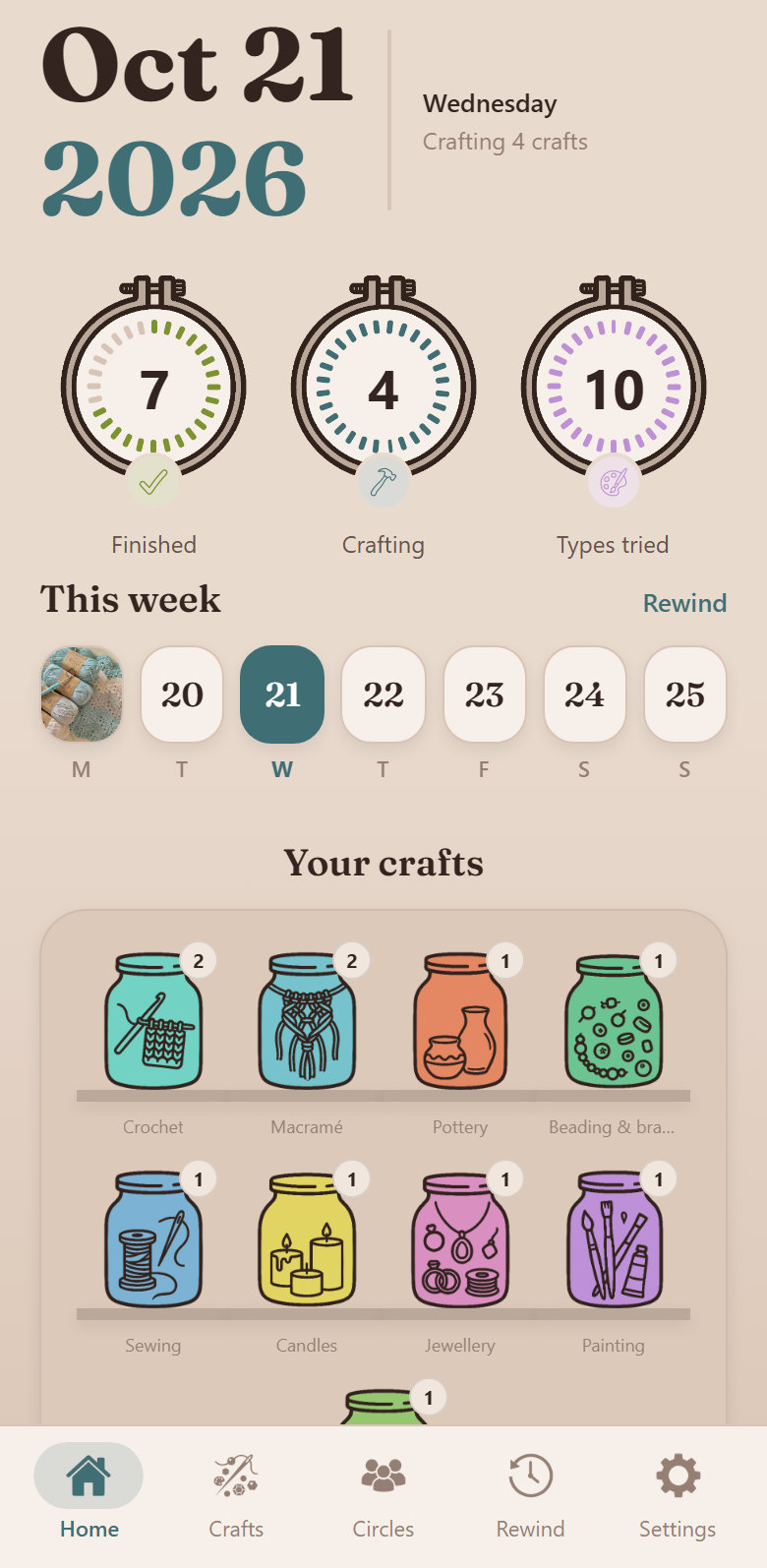
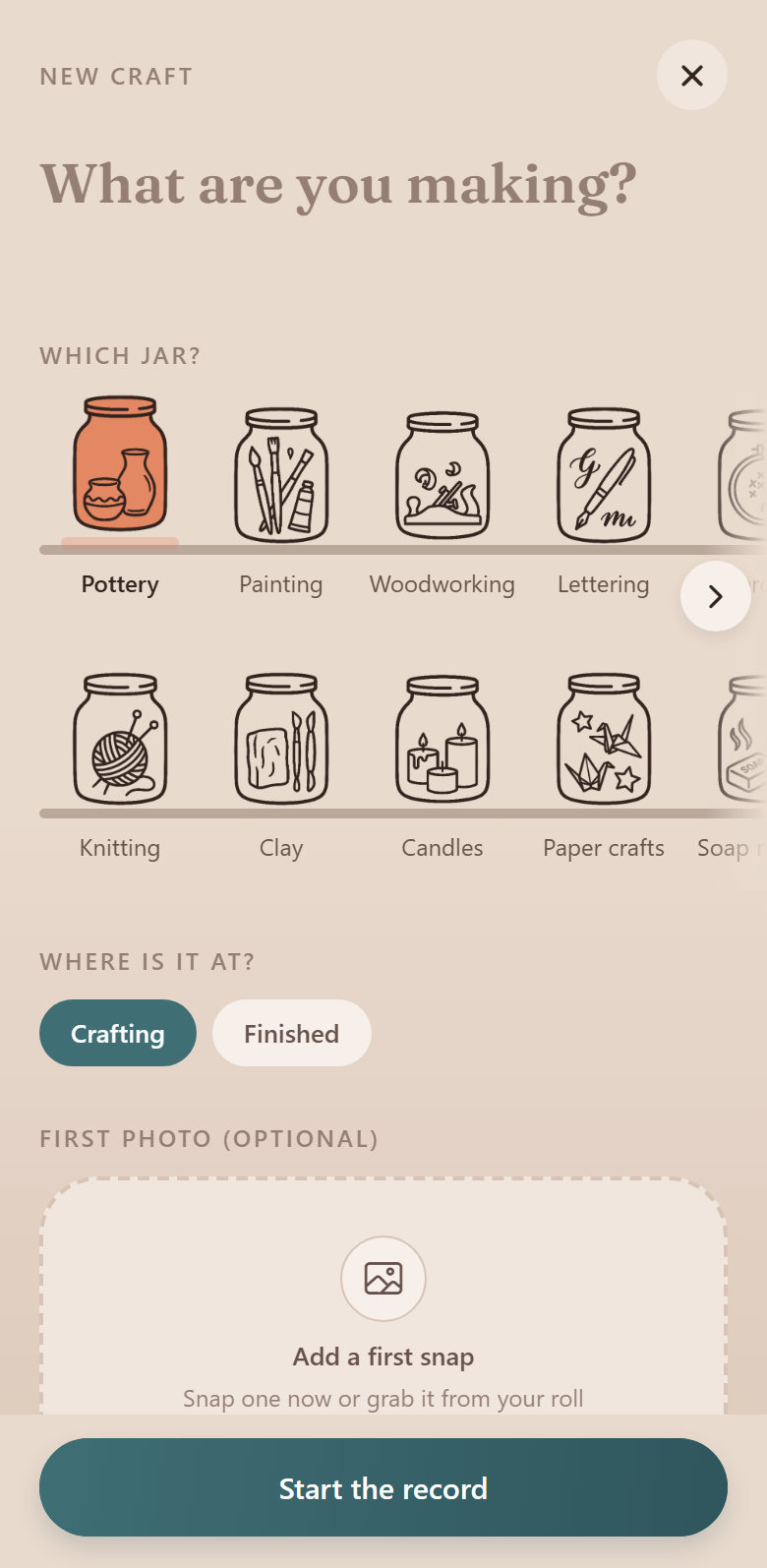
Starting a new craft takes seconds: pick its jar from a shelf of every craft and it pours full in that craft's colour, give it a name if you like, and snap the first photo. Then the jar's lid goes on and it's on the record.
The record
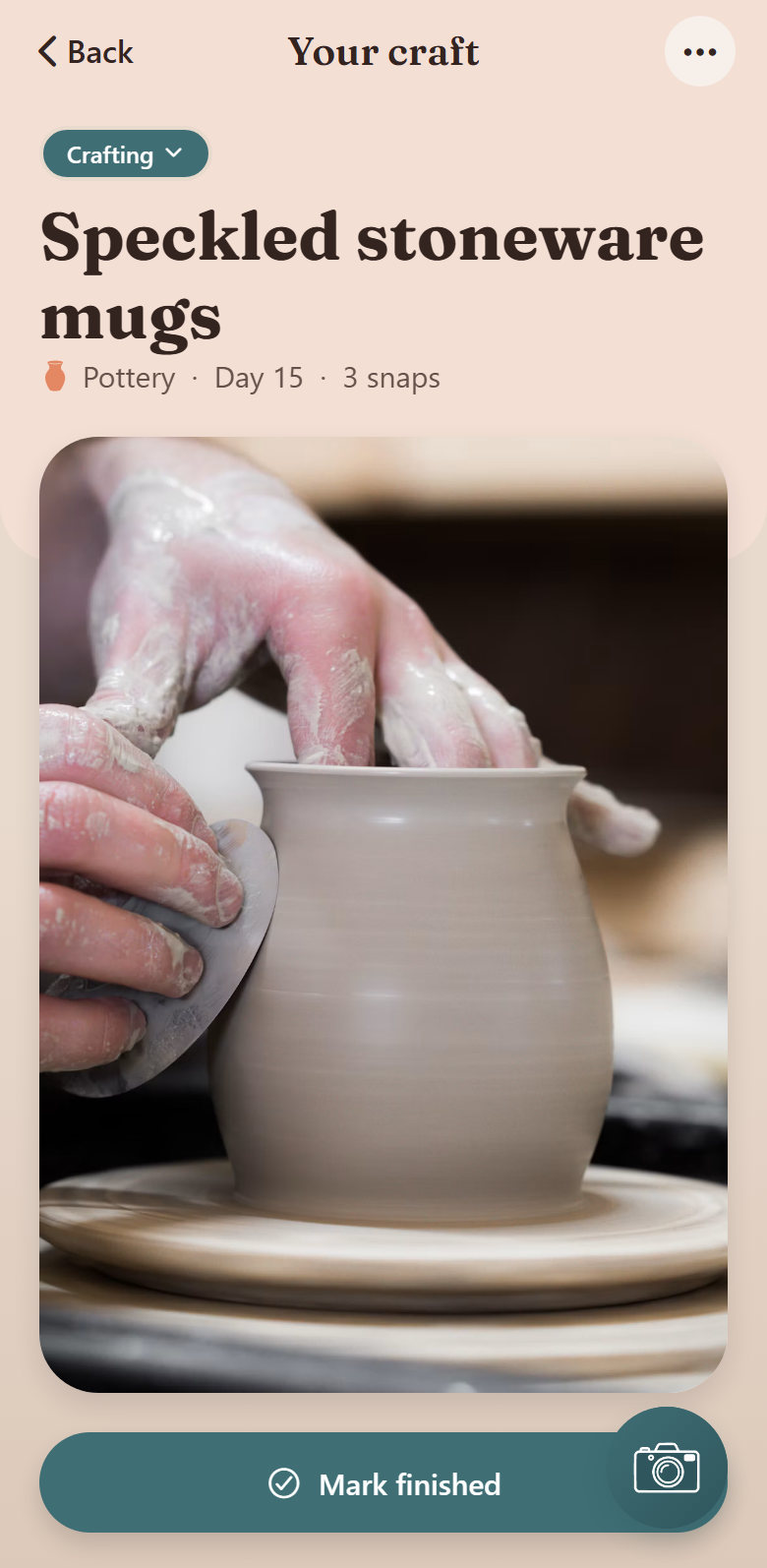
Each craft gets its own page: the photo up top, one button to finish it, a note for where you left off, and a photo timeline from the first day to the last. Not a camera roll you'll never sort. A journey you can scroll.
Your crafts
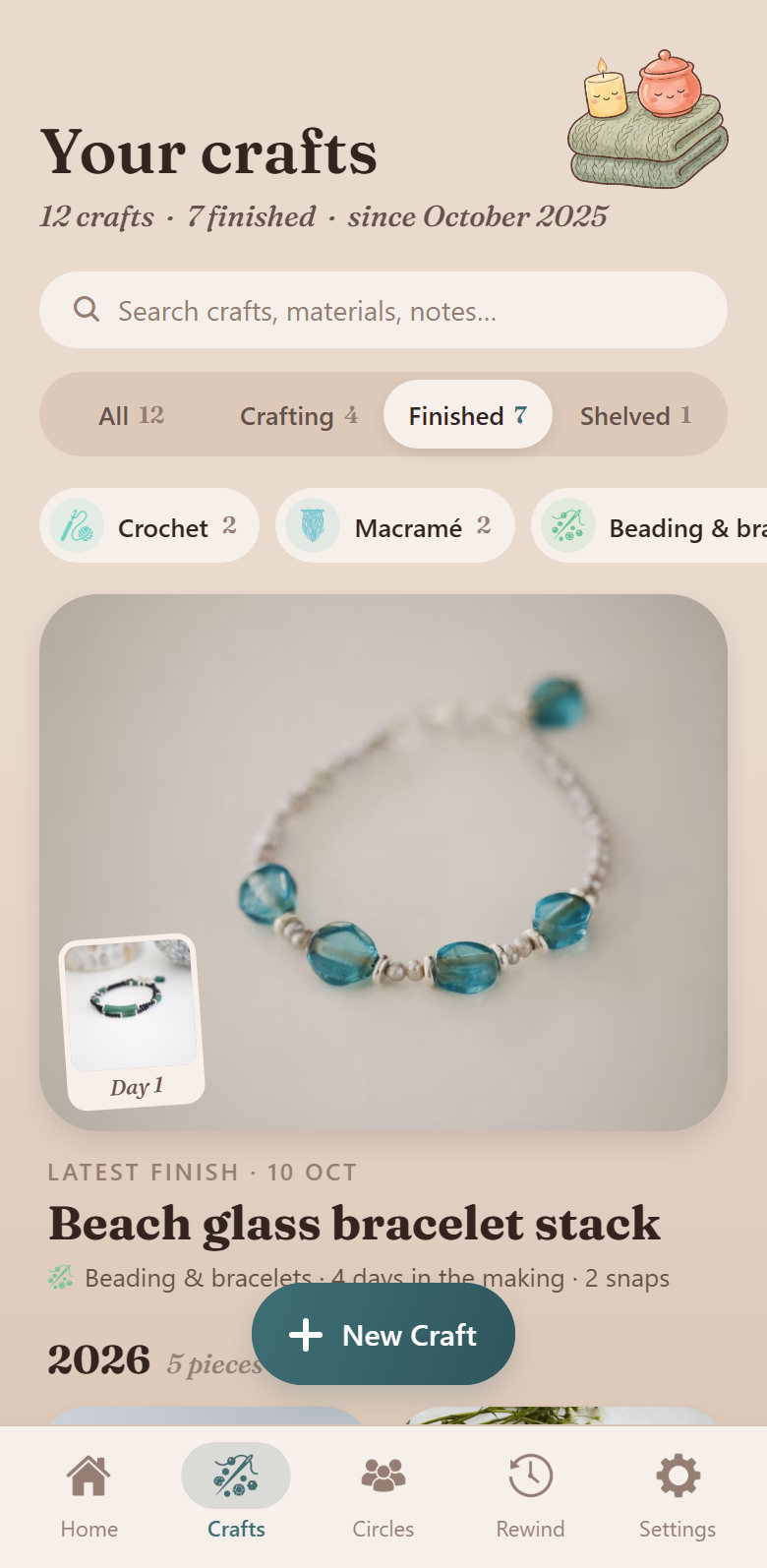
Your latest finish sits up front with its very first snap tucked in the corner, so you can see where it started and where it ended. Every piece before it is kept underneath, year by year. Pottery next to knitting next to resin, all of it yours.
Finishing
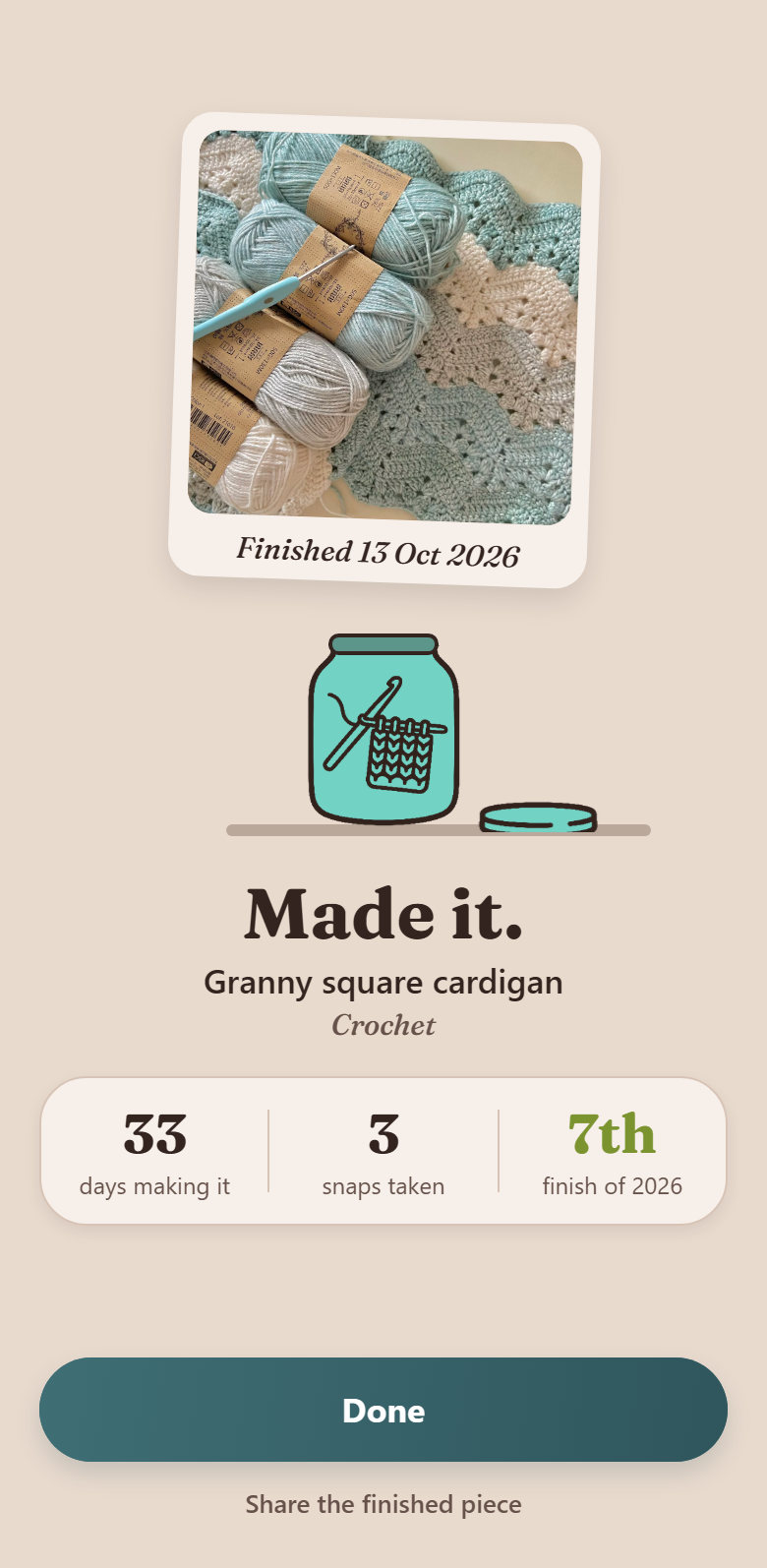
Mark a craft as finished and Stitchio stops to celebrate: the craft's jar pops its lid, the finished piece climbs out as a print, and the date writes itself underneath. Then the numbers: how long it took, how many photos, and which finish of the year it was.
Memories & Rewind
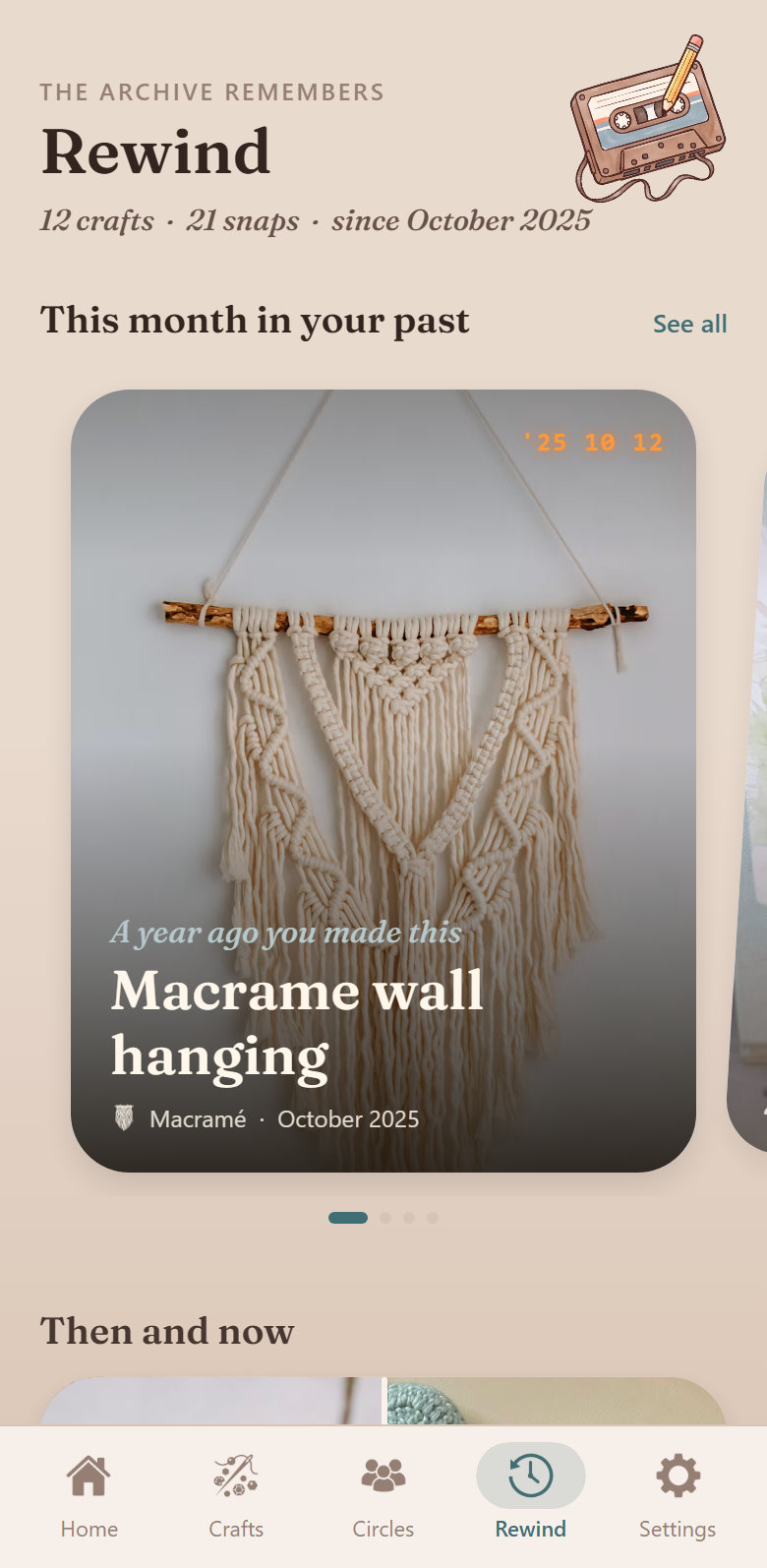
Stitchio brings your old crafts back the way your phone brings back holidays, except these are things you made with your hands. Flick through them like a stack of prints, each with its film date stamp, then drag between your first try and your latest.
Your year
Rewind sews your year into a cross-stitch sampler: one stitch for every day you snapped, started or finished something, in the colour of what you were making. Your year's crafts sit on a shelf of cotton reels, each wound to how much you made of it, and the milestones you earn once and keep forever stand on a little shelf of their own.
Goals
Set something like “finish five crafts” and it fills straight from your record, with nothing to tick off by hand. Meet it and you win a ribbon, with the crafts that got you there pinned beside it.
Share cards
Turn any craft into a card worth posting: the finished piece, a then-and-now pair, or the whole journey in three photos. Made in the app's own look, sized for stories and feeds.
Stitchio Pro
Everything that makes Stitchio worth opening is free: logging, photos, memories, goals and the widget. Pro is for when your record matters too much to lose.
$0
for as long as you like
$29.99 / year
or $4.99 a month
Backups go to your own iCloud, in full resolution. We never see your photos. If you stop paying, you keep every craft you made.
Private by design
Stitchio has no audience built in. Everything lives on your phone, and when you want to show someone, you share a craft on purpose, with people you know.
 No account, ever
 Your photos stay on your phone
 No ads, no public feed
 Share only what you choose
Questions
Now. Stitchio is free on the App Store for iPhone. It isn't in the EU yet.
Anything you make with your hands. There are 22 built in, from pottery and knitting to resin, candles, jewellery and quilting, plus “Other” for everything else.
A small private group of people you know, like your knitting group or your family. You each choose which crafts to show on the circle's shelf, and you can start make-alongs where everyone makes their own take on the same thing. There's no public feed and nobody can find you.
No. Whoever starts a circle needs Pro; joining one, sharing into it and taking part in its make-alongs is free. It uses everyone's own iCloud, so nobody needs an account.
No. Stitchio works fully without one. Your record lives on your phone, and with Pro it backs up to your own iCloud.
Nothing is taken away. You keep every craft and every photo, you just can't add past ten crafts, or past ten photos on a craft, or use Pro looks until you come back.
Not yet. Stitchio is iPhone first.
Log one craft. Snap as you go. Then open Stitchio a year from now and see how far your hands have come.



 Pottery
 Clay
 Woodworking
 Candles
 Lettering
 Paper crafts
 Embroidery
 Soap making
 Beading & bracelets
 Sculpture
 Crochet
 Metalwork
 Cross stitch
 Diamond painting
 Resin
 Jewellery
 Quilting

 Day 1
 made with Stitchio